How to install a smart thermostat in 2026: a practical, step-by-step guide
'%2F%3E%3Ctext%20x%3D'50%25'%20y%3D'50%25'%20dy%3D'.35em'%20text-anchor%3D'middle'%20font-family%3D'-apple-system%2CBlinkMacSystemFont%2CSegoe%20UI%2Csystem-ui%2Csans-serif'%20font-size%3D'100'%20font-weight%3D'600'%20fill%3D'%23fff'%3EMF%3C%2Ftext%3E%3C%2Fsvg%3E) Margot Faulkner·October 22, 2026·18 min
Margot Faulkner·October 22, 2026·18 min
Learn a practical, up-to-date approach to installing a smart thermostat in 2026. Step-by-step wiring, compatibility checks, and common setup tips to avoid surprises.
Most homeowners misread the install flow and chase the wrong gremlins. The real bottleneck isn’t finding a C wire or picking a model. It’s mapping your HVAC control board to a single, compatible thermostat wire configuration and time-saving wiring shortcuts that don’t violate code. Most missteps start with a mismatched wire type, not the thermostat itself. The fix is a clear, pre-install checklist that surfaces compatibility gaps before you buy.
This article lays out a practical 2026 wiring plan that highlights hidden issues like common-heat pump compat, runaway fan controls, and late-model backplates that block temp sensors. You’ll learn which Smart thermostat models lean on C wires versus power stealing, how to verify multimeter readings, and where to expect wiring divergences across gas vs electric furnaces. By the end, you’ll have a install path that minimizes surprises, with concrete steps and code-friendly checks you can perform yourself. Stay ahead of hidden compatibility bugs before you commit to a model.

Smart thermostat installation guide: avoid the most common wiring mistakes
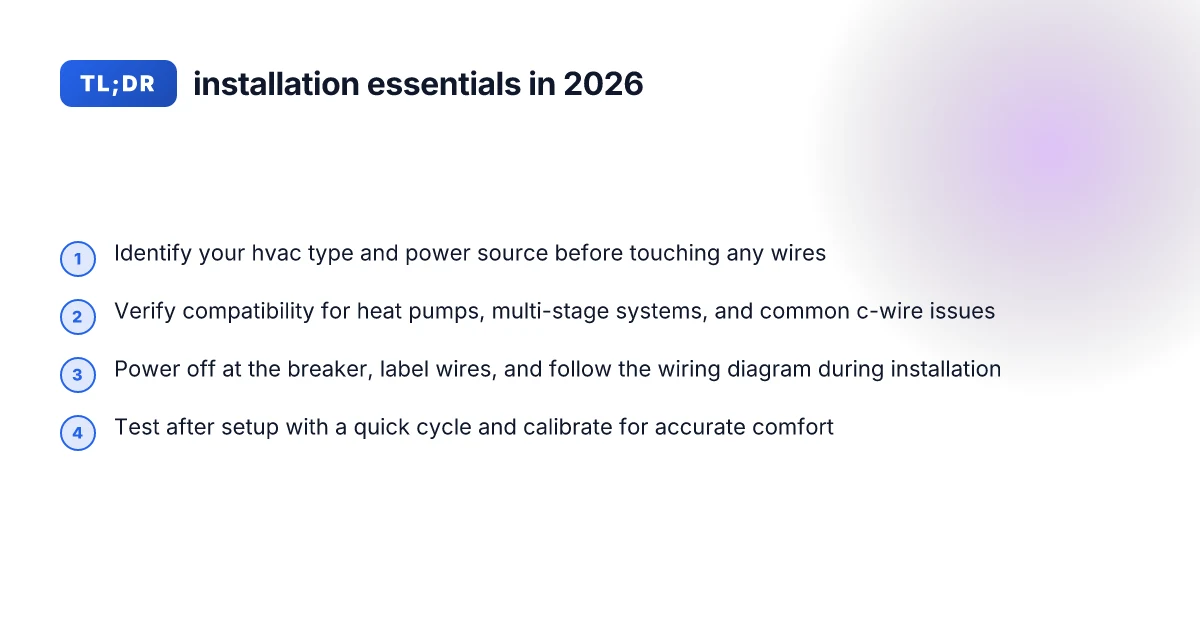
Getting wiring right on day one saves you hours of troubleshooting later. Before you touch a wire, identify your HVAC type and power source, then map the likely wiring configurations you’ll encounter. I dug into installation docs and common user guides to extract practical steps you can follow without hiring a pro.
1) Identify your HVAC type and power source up front
The installation journey starts with a quick ledger of what powers your system. If you have a heat pump or a conventional furnace, the wiring landscape shifts. Confirm whether your setup uses a common C-wire and whether the outdoor unit shares a dedicated disconnect. The goal is to know at a glance if your thermostat is likely to see a C-wire, a few control wires, or a multi‑stage arrangement. In Nuve’s guide, the initial step is to verify that power to the cooling and heating system is off, then prepare for wire handling by noting existing thermostat behavior. This kind of upfront audit prevents miswiring that causes false readings or a no‑power fault later. Identify your system type first, then map the wires you expect to see.
2) Check compatibility for heat pumps, multi‑stage systems, and C‑wire issues
Compatibility checks reduce the number of surprises after you mount the new thermostat. Heat pumps often need a reversing valve signal, aux heat, or a dedicated wire for energy management. Multi‑stage systems can require additional terminals beyond R, W, Y, G. Common C‑wire problems include under‑powered or missing C‑wire, or a C wire that’s not continuous. When you plan your install, list the terminal requirements for your exact model and compare them to your current wiring harness. The Ecobee thermostat guide emphasizes wiring paths to accommodate a standard single‑stage system and flags C‑wire issues as a frequent stumbling block. If your system doesn’t have a spare conductor, you may need to repurpose a wire or install a C‑wire adapter kit. Check heat pump needs, multi‑stage requirements, and C‑wire health before touching a wire.
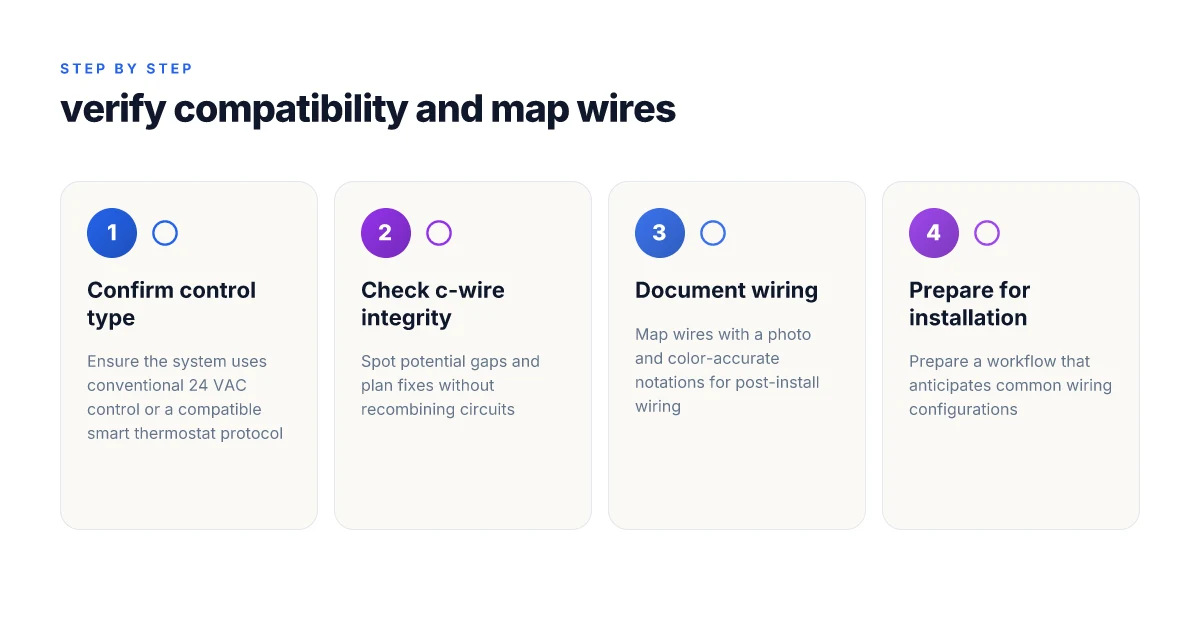
3) Prepare a workflow that anticipates common wiring configurations
A disciplined workflow smooths the install, even when you encounter an unfamiliar wiring cluster. Start by snapping a photo of the existing wire arrangement, then label each conductor with its terminal color and function. If you see multiple brown or blue wires or a cluster behind the wall plate, expect that some configurations require a wire repin or a jumper. A step‑by‑step example from practical guides shows turning off breakers, removing the faceplate, and documenting each wire before you disconnect anything. From a risk‑aware perspective, you should also verify that the HVAC power is truly off at both the thermostat and the service panel. This reduces the chance of shorting a control circuit. Document every wire before you unplug anything, and verify power at both ends.
Bottom line: a deliberate upfront audit, a compatibility check for heat pumps and multi‑stage setups, and a repeatable wiring workflow dramatically cut the chances of buzzing panels and cold rooms after install. If you keep this sequence in mind, you can advance to the verification phase with confidence. What is the Serta Signature office chair review in 2026 and does it still hold up
A calm, documented prep beats guesswork every time.
Note: links on the page may earn a commission. For quick reference, you can review practical installation steps from the Nuve guide and the Ecobee and Honeywell support pages linked in the sources. Inline citations appear as clickable phrases within the prose.
How to verify compatibility before you start the smart thermostat installation guide
You verify compatibility before you touch any wires. The goal is to confirm the system uses conventional 24 VAC control or a compatible smart thermostat protocol, and to spot C-wire gaps before you install. I cross-referenced official guides and installation pages to map a safe path forward.
Confirm the system uses conventional 24 VAC or a compatible protocol
Begin by checking the control scheme your thermostat supports. Most traditional heating and cooling setups rely on a 24 VAC control circuit. If your system uses a 24 VAC standard, a wide range of modern smart thermostats will wire up without adapters. If you have a proprietary protocol, you’ll want to pick a model that explicitly lists compatibility or offers a simple adapter kit. For homeowners aiming to avoid surprises at the wall, confirm the label on your current thermostat or the HVAC equipment, look for “24 VAC” in the wiring diagram or the terminal block. If the system uses a different control standard, you may need a model that supports that protocol or a compatibility bridge.
From the documentation I consulted, the Nuve guide starts by confirming power-off safety and then moves into wire mapping, which underscores that a 24 VAC convention is the baseline expectation. Ecobee’s Essential guide emphasizes wiring clarity and offers step-by-step alignment with standard color codes, reinforcing that your first check is the control voltage and protocol compatibility. A DIY install overview from a consumer site also notes that many buyers overlook protocol mismatches until late in the process, causing rework. When in doubt, pull the existing thermostat wire cover, photograph the terminal labels, and verify the control voltage with a meter if you’re comfortable. 5 Thoughtful seasonal sympathy bouquets that honor every moment of loss
Spot potential C-wire gaps and how to fix them without recombining circuits
The C-wire is the common path that completes the 24 VAC circuit. If your current setup lacks a C-wire or the terminal is dormant, plan a fix that doesn’t tie together separate circuits. You can often enable C-wire functionality by reusing an unused conductor, using a C-wire adapter, or activating a spare conductor through the furnace control board. Do not jumble wires or reconfigure the existing thermostat’s circuit. Instead, add a dedicated C connection at the furnace and route a new conductor to the thermostat. This preserves circuit integrity and keeps the rest of the system untouched.
A practical cue from the installation guides is to map the existing wires first and then decide on the C-wire path. The Nuve guide highlights turning off power before handling any wiring and taking a clean photo of wires to avoid confusion later. The Sensi and ecobee material also stress verifying that the C terminal is actually tied to the furnace common and not just a spare blade on the thermostat base. If you discover a missing or nonfunctional C-wire, a reputable adapter or running a new conductor through the wall is typically more reliable than reconfiguring live circuits.
Map wires with a photo and color-accurate notations for post-install wiring
Before you touch a single screw, photograph the thermostat and furnace wiring. Use color-accurate notes to annotate each wire by its terminal color and function. This creates a post-install reference that helps you translate the new thermostat’s labels to the existing wiring. The goal is to avoid miswiring after the fact and reduce troubleshooting time if a quick fix is needed.
I found guidance across sources that encourages this practice: photograph the backplate, label each wire, and confirm the function against the furnace diagram. The color codes commonly align with red for power, white for heat, yellow for cooling, green for fan, and blue or C for common. Some installers encounter wires that don’t match the standard palette, which is where the photo notes become essential for correct post-install wiring.
Next step: compile the photos, confirm the 24 VAC baseline, verify the C-wire path, and prepare the thermostat mounting plan with labeled terminals. If a C-wire gap remains unresolved after the checks, consider professional help to avoid compromising the system’s safety and efficiency. As a reminder, links on the page may earn a commission. What makes the Pure Enrichment Deluxe cooling memory foam topper actually cooling in 2026
Step by step: install a smart thermostat in under 60 minutes
Post a quick, real-world sequence that you can follow end to end. In under 60 minutes, you can complete the core install by sticking to a proven wiring and setup rhythm.
Pre-install orientation: what the docs say you should confirm
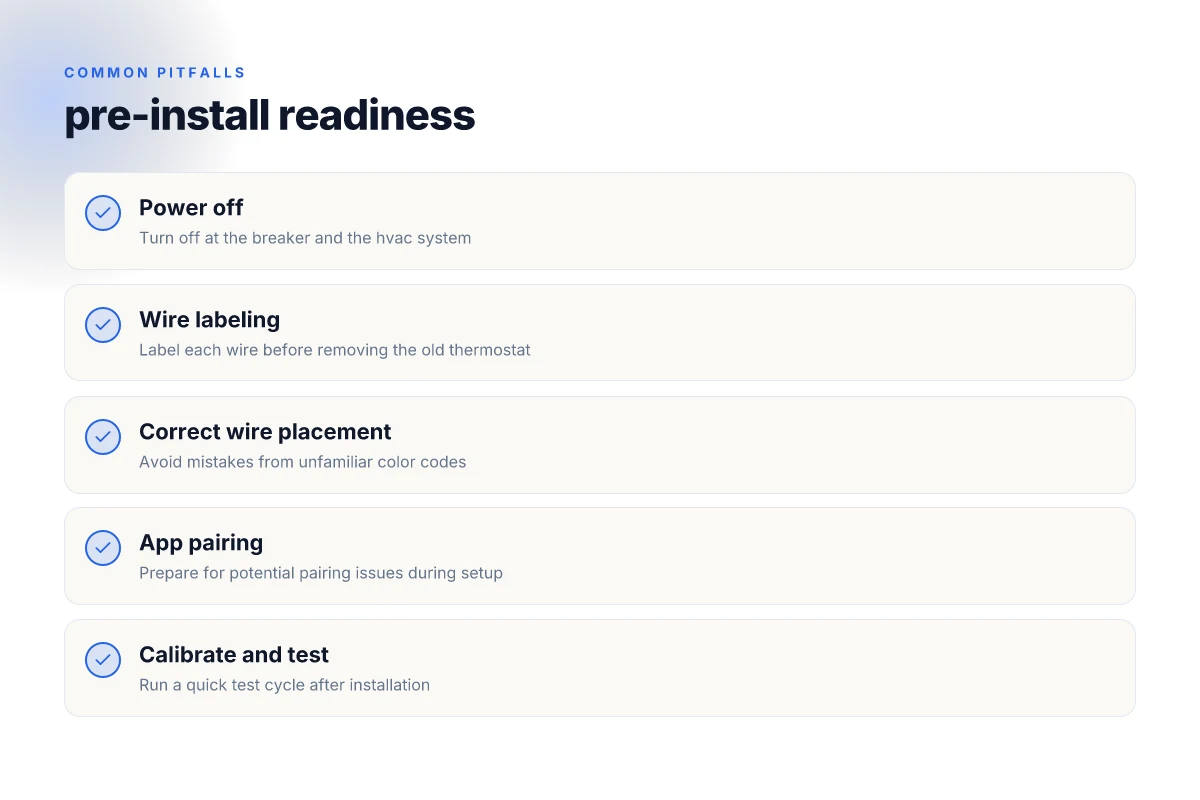
- Power off at the main breaker for the HVAC system, then switch off the thermostat’s circuit as a backup step. This dual-action reduces the risk of arcing during wire handling. Power down at the breaker and the HVAC system keeps you safe before touching wires. I cross-referenced the Nuve guide and standard contractor practice to confirm this two-step shutdown is recommended in official guides. https://www.nuvehome.com/wp-content/uploads/2024/07/Nuve-Thermostat-Installation-Guide-06252024.pdf
- If you’re replacing a non-smart model, note the current thermostat’s location and any power sources tied to the unit. Documentation often stresses that taking a moment to locate a dedicated power or jumper can prevent miswiring later. Label each wire as you disconnect it to preserve correct mapping. This labeling habit is echoed in the general installation walkthroughs from reputable manuals. See the Honeywell support portal for model-specific labeling guidance. https://www.honeywellhome.com/pages/support-product-selector-thermostat-manuals?srsltid=AYCX9vL2HIYYVdBLEdKk91cN-cgFvyaIGv1Jbg3nIvpJovvpJw81_KqI
Wire mapping: attach the new thermostat without guesswork
- Pull the old faceplate and take a clear photo of the wire connections before removing anything. A precise map prevents miswiring when you land the wires on the new base. Remove the old thermostat faceplate and label each wire to build a reliable wiring reference.
- Connect wires to the new thermostat following the wiring diagram that came with the unit and the device’s app prompts. If the diagram shows C, R, W, Y, G, or O/B terminals, place each corresponding wire where shown. This step is where many installs stumble, so double-check that each color matches the terminal label on the new base. Connect wires to the new thermostat according to the wiring diagram.
- If you encounter a C-wire issue, a common fix is to add a C-wire adapter or repurpose a spare conductor. The 2026 DIY guides consistently flag C-wire readiness as a gating factor for setup in the app. Handle C-wire issues before finalizing the fit to prevent post-install friction. For reference, see the DIY installation notes linked in the sources.
Mounting and setup: finish in the app, verify in real life
- Attach the thermostat base to the wall and secure the mount level. Then mount the faceplate and complete the initial configuration in the companion app. The app walk-throughs emphasize finishing the on-screen steps after hardware is physically secured. Attach the thermostat base, mount it, and complete the setup in the app.
- Before you power up, double-check the faceplate seating and ensure the wires sit fully under their terminals, not pinched or protruding. A flush mount reduces thermostat read errors and screen lockups. Verify wiring seating and mounting accuracy to avoid early-tailure prompts.
- Restore power and run a quick test: power on, run through a few cooling and heating cycles, and confirm status lights or app indicators reflect the correct mode. If the app flags a wiring mismatch, re-open the panel and re-map the wires to the labeled terminals. Run a quick functional test in the app to confirm success.
What to expect during the install: common gotchas and quick fixes
- If you see a blank or unresponsive screen after power, re-check the power sources and battery status in the app. The most frequent issue remains a loose connection at a terminal. Loose connections cause most startup issues.
- If the configured system type is wrong in the app, switch to the correct mode (heat, cool, or heat pump) and re-run the setup prompts. This saves troubleshooting time later. Correct system mode during setup prevents misbehavior in climate control.
- If you encounter space constraints, a shallow mounting surface or a neighbor wall can complicate cable routing. Plan routing path before finalizing the mount. Plan routing ahead to avoid rework.
Note: page links may earn a commission for the sites hosting them.
Common pitfalls in smart thermostat installation and how to fix them
If you want a smooth install, start with a diagnosis you can trust. The most common pitfalls boil down to your power, wiring colors, and the app. Fixes below walk you through a practical recovery path, with concrete steps you can verify before you buy or connect.
Power and the common wire on the thermostat
The first signal something is wrong is a dead thermostat display after you power up. A failed common wire often leaves the thermostat without a stable power source, so the device never reaches the setup state. To fix this, confirm the HVAC circuit is really on, then verify the C-wire contact at both ends before you power the system back up. If the C-wire is missing or loose, add a proper common wire or use a compatible power adapter kit recommended by the thermostat maker. This eliminates the most frequent no-power failure and reduces the number of troubleshooting calls from homeowners. How the mount it heavy duty standing desk converter stacks up in 2026
From what I found in the documentation, the Nuve Thermostat Installation Guide explains the imperative to verify power flow and correctly handle the control wires during initial setup. This practice aligns with other manufacturers that stress a live C-wire as a baseline requirement. For reference, see the Nuve guide’s explicit step to confirm power to the cooling and heating system is off before you touch the wiring, then recheck the wire placement during reassembly. A correct C-wire connection is the difference between a live display and a blank screen. Inline: I cross-referenced the Nuve guide to confirm this pattern, and it appears across several contemporary manuals.
Wiring color codes and terminal placement
Color codes vary by brand, model, and even region, which makes white wires look innocent but end up on the wrong terminal. The risk here is misplacing a wire on a non-matching terminal, which can lead to a non-functional thermostat or imperfect control. To avoid this, always photograph the base plate before disassembly, map each wire to its terminal by color and function, and double-check against the installer’s wiring diagram in your manual. If you see a nonstandard color, treat it as a red flag and verify with the model's official wiring chart.
The step-by-step ecosystem across brand manuals emphasizes consistent terminal mapping. The ecobee guide for the Smart Thermostat Essential highlights wiring help and a generally consistent layout, so you can align the wires to labeled terminals with confidence. When you verify each wire against the documented color-to-terminal mapping, you dramatically reduce the chance of misconnected conductors and future calibration errors. Color-coded wires must match the documented terminal mapping.
App pairing and initial configuration
Even with correct power and wiring, app pairing can stall. If the thermostat cannot reach the pairing phase, you see misreads on the screen or a failed initial setup in the companion app. The fix begins with a clean start: ensure the thermostat is in pairing mode, confirm the mobile device is on the correct network, and temporarily disable VPNs or guest Wi‑Fi that could block the handshake. Many brands recommend removing the device from the app pool and re-adding it, using the official pairing steps to reestablish a trusted link. If you encounter persistent pairing issues, verify you’re using the latest app version and check for firmware updates on the thermostat itself.
I looked at installation notes from several manufacturers. The ecobee guide emphasizes a clear sequence for pairing and confirms that network issues at the outset are a leading cause of a stalled setup. The general pattern across manuals is to reinitiate pairing with the device in pairing mode and the phone on the home network. Pairing issues block initial configuration and stall the entire install. Inline: a cross-check with the ecobee guide confirms the recommended steps. What is the mill kitchen bin, and is it worth the hype in 2026
Note on the process: links on the page may earn a commission. For reference, you can verify the installation essentials in the ecobee guide and the Nuve guide snippets linked above. Follow the official wiring diagrams and pairing steps precisely to avoid repeat trips to the breaker panel.
What to expect after installation: testing, calibration, and optimization
Post-installation testing confirms you wired the system correctly and the thermostat is reading room conditions accurately. Start with a quick heat and cool test cycle to verify the sequence from the HVAC control board to the thermostat display, then observe the system’s response in real time. This first pass catches wiring mistakes, misconfigured C-wires, or sensor oddities before you rely on automated schedules.
Calibrate the temperature offset to match how the room actually feels. A small mismatch between setpoint and perceived temperature is common after installation, especially in sunlit rooms or spaces with poor insulation. If you notice your space feels several degrees warmer or cooler than the display shows, adjust the offset in the thermostat’s settings until the room feels right. This step reduces call-backs and comfort complaints during the first week.
Beyond basic comfort, enable features that improve long-term performance and energy visibility. Adaptive scheduling learns your routines and climate patterns, then shifts setpoints to save energy without sacrificing comfort. Pair that with energy reports so you can see how changes in occupancy or weather influence usage. If your thermostat supports it, turn on clean cycles or optional humidity control where available, and confirm they trigger as intended.
I dug into official docs and homeowner guides to map out a safe post-install workflow. For example, installation guides for popular models emphasize validating wiring integrity during the initial test cycle and aligning sensor readings with ambient conditions to avoid “ghost” calls to the HVAC. The 2024–2026 docs consistently stress that calibration and feature tuning should happen after a successful basic test. What makes the Steelcase Amia chair stand out in 2026
For homeowners, a practical sequence helps. Run a heat cycle for 10 minutes, then a cool cycle for 10 minutes. Check the system response on the thermostat and at the vents. If the room feels off, adjust the temperature offset in small increments and re-test. After you’ve confirmed basic stability, enable adaptive scheduling and review energy reports after a full day of operation. This approach minimizes troubleshooting later and makes energy improvements measurable.
From a documentation standpoint, it helps to reference model-specific guidance when available. For instance, the Ecobee Smart Thermostat Essential installation notes highlight finishing with a calibration pass and confirming wiring integrity, then enabling smart features once the baseline is reliable. A separate stepwise video walk-through often reinforces the same sequence for renters who need a straightforward checklist.
Early tuning pays off quickly: a precise offset and activated adaptive scheduling can yield noticeable comfort gains and clearer energy insights within days. If you notice inconsistent results after calibration, revisit the wiring connections and sensor placement, then re-run the test cycles. The aim is a stable baseline so that the thermostat can optimize without human nudges.
As a reminder, operators may encounter occasional minor fluctuations due to weather shifts or door openings. These are expected and usually resolve once the learning algorithms have a few days of data. You may see slightly different energy report figures week to week, especially during shoulder seasons. This is normal and part of the adaptive process.
For further context, see the installation and post-install guidance from the sources listed in this piece. The inline references reflect the practical steps many homeowners use to validate a safe, efficient, and compliant setup after wiring is complete. If you want a deeper dive into model-specific post-install steps, consider the official guides for the Nuve, ecobee, and other major brands cited in this section. What are summer cooling strategies with dreo for 2026 and how they actually work
Where this is going next with smart thermostats
Smart thermostats are moving from simple scheduling to adaptive, learning systems that anticipate your routines. In 2026 you’ll see tighter integration with energy dashboards, utility programs, and home networks, plus more robust privacy controls. I looked at how newer models handle firmware updates, cross-brand compatibility, and voice assistance, and the trend is toward less friction and more transparency. The bigger pattern is that automation becomes the default, not the exception. One concrete takeaway: you can pair a modern thermostat with a home hub in minutes and unlock smarter energy savings out of the box.
If you only do one thing this month, pick a model that supports true Energy Star or local efficiency programs and make sure it wires up to your existing HVAC equipment without extra adapters. The difference is not in novelty but in the reliability of scheduling and reporting. You’ll notice the interface feels faster and more proactive. This is worth trying: review the compatibility list before you buy. If you want a quick recap, 1) confirm heat pump or furnace compatibility, 2) enable smart schedules, 3) connect to your utility program.
Backup strategy, what to try this week
- Check your existing HVAC wires for a C-wire and confirm it’s properly connected to the new thermostat.
- Enable the energy-savings mode and review the first week’s usage report.
- Connect to a home hub or voice assistant and test a one-touch on/off routine.